Tips To Data Recovery Services From Formatted Drive
 0
0
 0
0
Formatting a drive can be a terrifying experience, especially when you realize that it involves the potential loss of important data. While some data can be recovered from a drive after a format, it is essential to understand the process and limitations before attempting recovery. This guide provides a deeper understanding of data recovery services following a formatted drive and offers practical advice on the best ways to recover lost information.
What Happens When You Format a Drive?
When you format a drive, whether it’s a hard disk, SSD, or external USB, the file system structure is modified to prepare it for use. There are two types of formatting processes that are commonly used:
Quick Format vs. Full Format
-
Quick Format: This method is faster and involves the deletion of the file system’s structure without erasing the actual data. When you perform a quick format, the operating system simply marks the data as deleted and overwrites the file table. This means that the data remains on the drive and can potentially be recovered with the right tools or services.
-
Full Format: A full format, on the other hand, goes beyond just deleting the file system structure. It also wipes out the data by overwriting it with zeros (or other patterns). This process makes it significantly more challenging, if not impossible, to recover the lost data. It is commonly used when you want to ensure that the drive is completely erased.
Why is Formatting Scary?
Formatting can be intimidating because of the risk of data loss. However, it’s important to understand that formatting doesn’t always result in permanent data loss. When a drive is formatted using a quick format, the data is usually still there, but it is marked as available space to be overwritten. With the right data recovery services or software, it’s often possible to retrieve these files before they are overwritten.
In contrast, a full format can be much more dangerous, as the data is essentially wiped clean, and the chances of recovery diminish significantly. If you’ve formatted a drive using a full format and want to recover data, you may need professional help or specialized software to attempt the recovery.
Types of Drives and Backup Strategies
The backup process varies depending on the type of storage you are dealing with. Different devices require different strategies to ensure that your data is protected before performing any formatting actions:
-
Removable Devices (USBs, External Hard Drives, SD Cards, etc.): For these devices, a backup typically involves saving specific files or partitions. You can create a copy of the important data before formatting and restore it afterward.
-
Internal Hard Drives, Laptops, and PCs: When formatting internal storage devices like a hard drive in a desktop or laptop, the entire device should be backed up, including the operating system, installed software, and personal data. Failing to back up the entire device may result in the loss of critical data.
Can Data Be Recovered After Formatting?
Formatting doesn’t completely erase your data in most cases. Instead, it marks the space as available for new data to be written. The operating system is simply told that the drive is empty and ready for new files. This means that as long as the data hasn’t been overwritten by new files, it can be recovered.
Recovery Tools and Services:
The internet is flooded with data recovery tools, both free and paid, that claim to recover data from formatted drives. These tools work by scanning the drive for “orphaned” files (data that is still present but not linked to the file system). They then attempt to reconstruct the deleted files so they can be recovered.
Here are the steps involved in data recovery:
-
Stop Using the Drive: As soon as you realize that you have accidentally formatted the drive, stop using it immediately. Writing new data to the drive can overwrite the deleted files, making recovery much more difficult, if not impossible.
-
Use Data Recovery Software: There are various software tools available that can help you recover data from a formatted drive. Some popular options include Recuva, EaseUS Data Recovery Wizard, and Disk Drill. These programs scan your drive for recoverable files and allow you to restore them to a different drive.
-
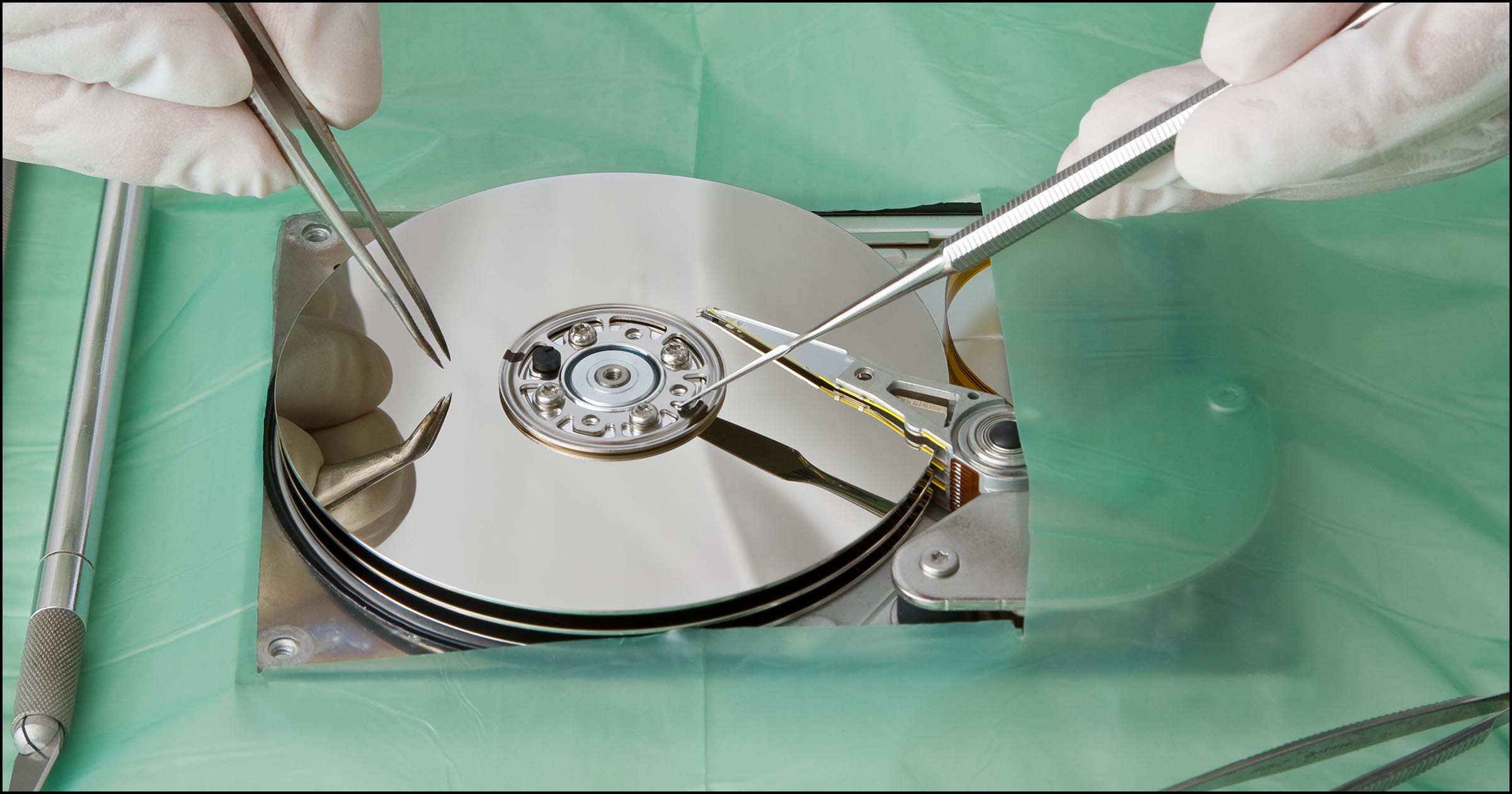
Professional Data Recovery Services: If the software fails or the process seems too complicated, you can opt for professional data recovery services. These experts have advanced tools and techniques to retrieve data from drives that have been formatted or damaged. Professional services are particularly helpful in cases of full formatting or physical damage to the drive.
Manual Recovery Methods: The Risks and Challenges
There are other methods for attempting data recovery without relying on external software or services. One such technique involves using a hex editor to manually scan the disk and search for deleted files. This method is extremely tedious and requires technical expertise in navigating the raw data of a drive. It also carries significant risks, as it may cause further damage to the data or make recovery even more difficult.
While this approach might seem appealing to those who want to avoid installing recovery tools, it is not recommended for most users. It is time-consuming, complicated, and has a high potential for failure. Without the proper knowledge and tools, this method can result in permanent data loss.
Which Data Recovery Tools Should You Use?
Using reliable data recovery tools can significantly improve your chances of successfully recovering data from a formatted drive. Here are a few popular tools that can assist you in the recovery process:
-
Recuva: A free and easy-to-use recovery tool for Windows, Recuva is a great option for users looking to recover deleted files from a formatted drive.
-
EaseUS Data Recovery Wizard: This is a powerful tool that offers both free and paid versions. It supports recovery from various file systems and is particularly effective for recovering data from formatted drives.
-
Disk Drill: Another user-friendly option, Disk Drill offers both free and paid versions. It supports data recovery from a variety of devices and file systems.
-
R-Studio: A professional-grade recovery tool that is best suited for advanced users. It offers comprehensive features for recovering data from formatted, corrupted, or damaged drives.
While some of these tools are free, others offer more advanced features at a cost. The right tool will depend on your specific needs, such as the extent of the formatting, the type of drive, and the amount of data you need to recover.
Final Thoughts: Why Opt for Professional Data Recovery Services?
While DIY methods and software tools can be helpful for some situations, professional data recovery services remain the most reliable option for complex data loss scenarios. These services come with advanced techniques, including deep scanning, file reconstruction, and even physical repairs for damaged drives. Data recovery professionals have the experience and expertise needed to handle severe cases of data loss, such as full formats, overwritten data, or hardware failures.
In conclusion, while formatting a drive can be a scary and confusing process, there are ways to recover your data. It is essential to understand the differences between quick and full formats, know your backup options, and use the right tools for recovery. When in doubt, consider seeking professional data recovery services to maximize your chances of retrieving important information from a formatted drive.