Data Recovery Services From A Damaged Hard Drive
 0
0
 0
0
Recovering data from a damaged hard drive is one of the most challenging and stressful tasks any computer user can face. Recently, I found myself in this exact situation: trying to recover data from a damaged—and now failing—hard drive. In this post, I’ll share my experience and provide insights into the different methods and steps involved in attempting data recovery from a hard drive that’s physically damaged.
The Scenario: A Hard Drive in Distress
The trouble started when I accidentally dropped the hard drive while the system was still running. The immediate consequence was that I began hearing what is often referred to as the “death click.” This clicking sound is a telltale sign that something is wrong with the drive—typically, it indicates mechanical failure within the drive’s moving parts.
In an attempt to recover the data, I foolishly tried running a utility like TestDisk on the drive. Unfortunately, this only worsened the situation, and the drive’s failure became even more pronounced. At this point, the damage was clearly beyond the point of simple software recovery methods.
Should You Try Freezing the Hard Drive?
If you’ve ever researched hard drive recovery, you’ve probably come across a rather infamous tip: putting a damaged hard drive in the freezer. The theory behind this is that freezing the drive temporarily contracts the metal components, potentially allowing the hard drive to function long enough to recover some files.
However, let me tell you from personal experience—it doesn’t always work. In fact, it’s rare that this method has any significant impact, and it often just delays the inevitable. In some cases, it can even cause further damage. So, while it’s an interesting last-ditch effort, this approach is generally not recommended.
Other “Alternative Remedies” for Hard Drive Failure
In my search for potential solutions, I came across some unconventional methods recommended by a few DIY enthusiasts. These methods are usually meant for situations where the hard drive’s head has crashed, and they often involve physically manipulating the drive.
-
Rotating the Drive: One technique suggests placing the drive on a smooth surface, gripping the ends of the hard drive, and rotating the unit sharply along its axis. The idea behind this method is to give the drive a jolt that might free the stuck components temporarily.
-
Flipping the Disk: Another tip is to flip the hard drive upside down, particularly when the drive’s head has crashed. The hope is that flipping it might allow the head to make temporary contact, potentially enabling the drive to boot up long enough to back up files.
Again, these techniques are risky and should be viewed with caution. I attempted both approaches after my initial freezer trick failed, but the results were not consistent.
Seeking Professional Help: The Better Option
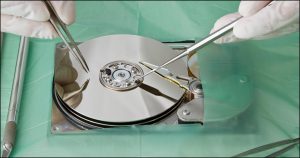
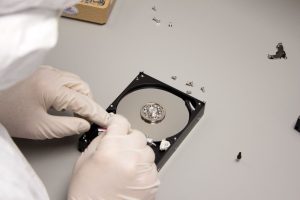
While I did manage a partial recovery after using a screwdriver to manually open the drive and attempt to dislodge a pin (shockingly, this worked for a few hours), this method is not one I would recommend for the average person. The fact that I didn’t have access to a clean room and that I was operating under less-than-ideal conditions speaks to the sheer unpredictability and high risk involved.
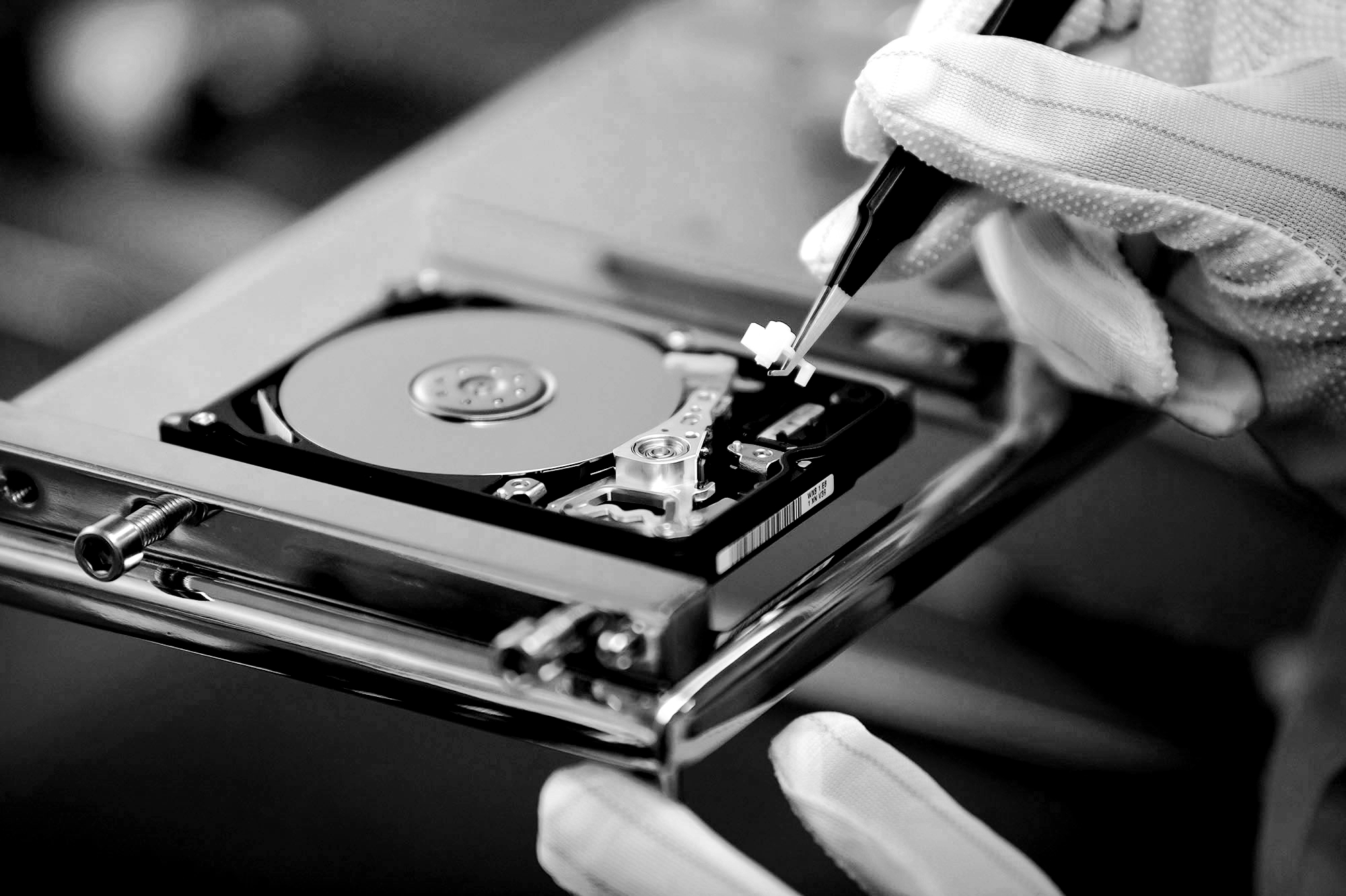
Data recovery experts strongly advise against DIY methods like these and recommend seeking professional help. If the hard drive is physically damaged, trying to open the drive and manipulate its components without proper tools or expertise can make things worse, leading to complete data loss. Professionals, on the other hand, have the necessary equipment (like clean rooms and specialized tools) to open the drive safely and extract data.
Conclusion: When to Call the Experts
If you’ve experienced hard drive failure, especially due to physical damage, your best bet is to leave the recovery to the experts. While there are various methods you can try on your own, like freezing or rotating the drive, these are often more myth than miracle and can make the problem worse. In cases of mechanical failure, seeking professional data recovery services is the safest and most effective course of action.
In my case, I was fortunate to recover most of my data after trying a few risky methods, but not everyone will have the same success. If the data on your hard drive is important, don’t gamble with DIY fixes—reach out to a professional who can help you recover it safely and reliably.