Data Recovery: Recover Data If Your Hard Drive Is Dead?
 0
0
 0
0
It’s every computer user’s nightmare: you’re working on your laptop, and suddenly, it stops working and refuses to start. It may seem like your internal hard drive (HDD) or solid-state drive (SSD) has failed, which could be a devastating loss—especially if you don’t have a backup of your important files. But before you panic, it’s important to identify whether the issue is actually with the hard drive, or if there’s another culprit at play.
How to Know If Your Hard Drive Is Dead
Hard drives, like any other hardware, have a limited lifespan, and it’s not uncommon for them to fail. A hard drive may fail due to either hardware or software issues. Here’s how to determine which one might be affecting your system:
Software Failures
Software failures are generally less severe than hardware failures and are often caused by issues like:
-
Operating system malfunction
-
Human error (such as accidental file deletion or formatting)
-
Corrupted file systems
-
Virus attacks
These types of failures typically present themselves with symptoms such as:
-
Error messages when you try to start your computer
-
Inaccessibility of certain files
-
Slow system performance
-
Corrupted or encrypted files
Software failures are often more recoverable compared to hardware failures. Special data recovery software can help restore your files. However, this process can be time-consuming, and there’s no guarantee that all your data will be recoverable.
Hardware Failures
If you suspect that your hard drive has died due to hardware failure, it’s important to confirm this before giving up hope. Hard drive failures due to hardware issues could manifest as:
-
Failure to power on
-
Strange clicking noises or unusual beeping sounds coming from the drive
-
No detected drives during boot-up
-
The drive is not recognized in BIOS or disk management settings
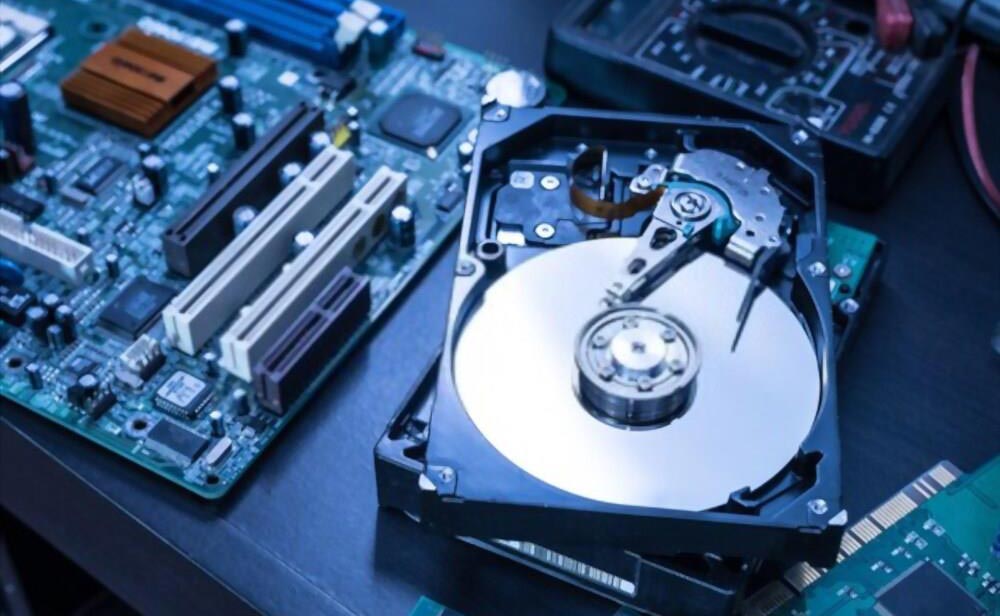
A hardware failure often requires more in-depth attention and expertise, as it might involve physical damage to the drive or its components.
What to Do If Your Hard Drive Is Dead
If you’re certain that your internal storage medium is dead, your best option is to consult with a data recovery professional. Before rushing into this, however, try the following steps to troubleshoot the issue on your own:
1. Check Cable Connections
Sometimes, the issue could be something as simple as loose or disconnected cables. Here’s what you should do:
-
Power off your computer completely.
-
Discharge static electricity by holding the power button for 30 seconds.
-
Open the computer case (for desktops) or remove the hard drive enclosure (for laptops) and ensure that the data and power cables are securely connected to the motherboard and the drive.
-
Reconnect everything properly and restart your system to check if the issue is resolved.
2. Inspect for a Broken Circuit Board
If the cables are fine but the issue persists, the problem could be a damaged circuit board on the hard drive. If you suspect this, it may be possible to replace the board, but this is risky because it can lead to permanent data loss.
3. Data Recovery Services
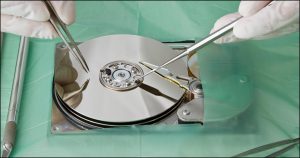
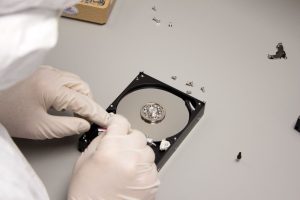
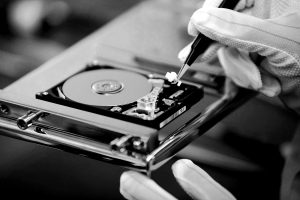
If none of the above steps work, it’s time to call in a professional. A qualified technician can assess the drive and, using specialized tools, attempt to recover the data. They have the expertise to handle both physical and logical failures and can often recover data that would be impossible for an average user to retrieve.
When to Seek Professional Help
You should always turn to a technician if:
-
The hard drive shows physical damage (like unusual noises or visible cracks).
-
You’ve tried basic troubleshooting without success.
-
The drive contains critical or irreplaceable data.
Professionals have access to specialized equipment, like cleanrooms, that allow them to safely work on damaged hard drives and retrieve data with a higher success rate than DIY methods.
Conclusion
If your hard drive stops working, it’s important not to jump to conclusions right away. While it might be a simple cable issue or a software glitch, it’s also possible that the hard drive has failed due to a hardware issue. The key is to act quickly and carefully, as the longer you wait, the less likely you are to recover your data. For serious hardware failures, always seek help from a professional data recovery service to maximize your chances of successful data retrieval.